
Dozens of separate downloads
Collect every available report in one organized ZIP.
Personal backup helper · compatible with Dante Labs
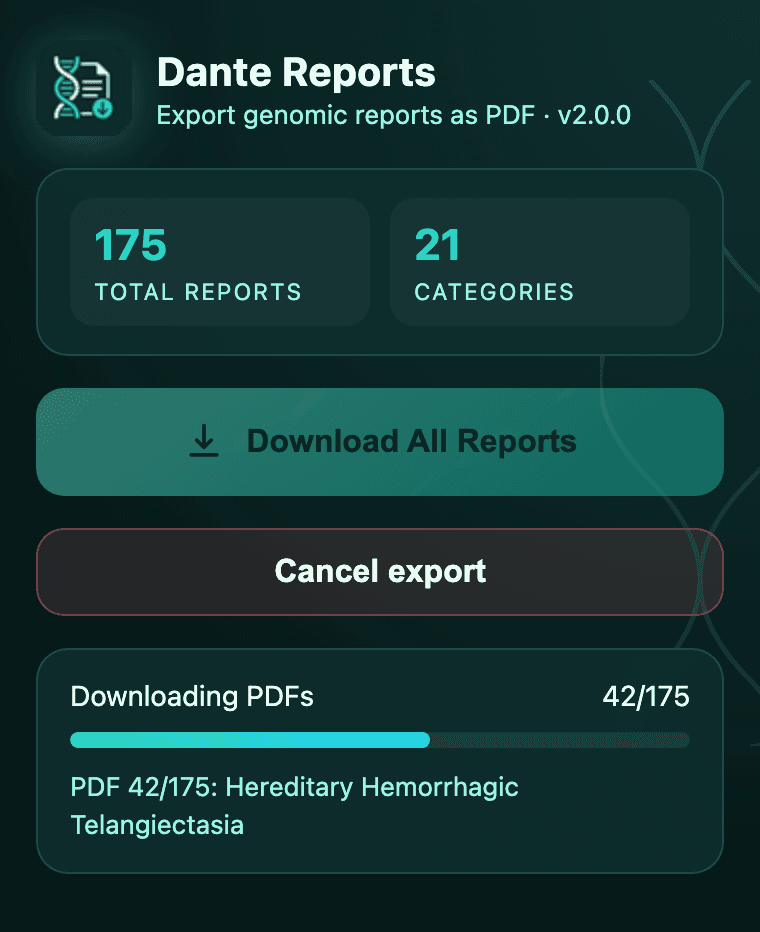
Back up every genomic report from your Dante Labs account in one ZIP, without clicking Download PDF on 175 conditions.
Independent Chrome extension. Saves the same official PDFs Dante offers, bundled into one ZIP on your device. File export only.
Your files stay on your device · no account on this site required · Pro from $9.99 one-time
Works with Chrome on desktop. See compatibility details
Independent tool
Not affiliated with Dante Labs
Local processing
Reports never uploaded to our servers
Same official PDFs
Downloads what Dante offers per condition
One-time Pro license
$9.99 · no subscription
Chrome Web Store
Install from the official listing
Dante Labs offers a Download PDF button on each condition page. That works until you have dozens or hundreds of reports to save.
Dozens of separate downloads
Collect every available report in one organized ZIP.
Easy to miss a report
See an export summary of what was found and downloaded.
Uncertainty about your data
PDFs are saved locally on your device. They are not sent to our servers.
No personal offline archive
Keep a timestamped backup you control, even if the portal changes.
Three steps from the Genomic Conditions page to a personal backup in Downloads.
Install from the Chrome Web Store, open genome.dantelabs.com/conditions, and open the side panel from the extension icon.
Go to genome.dantelabs.com/conditions while logged in to your account.
Try free with up to 50 reports, or activate Pro to back up your entire library in one go.
1-minute demo
Every report, one ZIP, one click. No opening 175 condition pages by hand.
Works with your existing Dante Labs login. Your files stay local, ready to archive or share with your doctor. New to exporting? Read the export guide.
PDFs you control, stored locally on your machine.
Dante's portal offers a Download PDF button on each condition page. This extension downloads every report in one run and bundles them into a single ZIP. No opening 175 pages by hand.
All PDFs are bundled into a timestamped ZIP, named and sorted by category - easy to file away, share with your doctor, or keep offline.
Works with the session you already have in Chrome. You only back up reports you can already see on your account.
See which reports were found, downloaded, and bundled, so you can spot anything that did not make it into the ZIP.
| Method | Time required | Completeness | Privacy | Cost |
|---|---|---|---|---|
| Manual downloads | High | Easy to miss files | Account-dependent | Free |
| Dante Reports Exporter | Low | Automated scan + summary | Local processing | $9.99 once |
Manual downloads may be enough when you only need one or two reports.
Try free with up to 50 reports per backup. Upgrade once to back up your entire library.
Price may increase later.
Install free and try up to 50 reports, or buy Pro once to back up every report on your profile. One-time purchase, one browser activation, license key by email.
Step-by-step instructions for bulk-downloading every condition report as PDFs.
Fixes for blank PDFs, session timeouts, and incomplete exports.
License terms, activation rules, and when refunds apply.